2026 Graphic Design Tools: Best Software for Designers
Choosing design software can feel like standing in a workshop, unsure which tool fits the job. The good news: there is no single “best” program — only the best match for the work you do. A tool perfect for a crisp logo may be clumsy for a brochure, and software a print designer swears by may be far more than a small business needs.
This guide organises the best-known graphic design tools for 2026 by the job they do, so you can see which category you need and which names lead it.
Start With the Job, Not the Software
Every design task falls into one of a few families. Vector work covers logos, icons and illustrations that must scale from a business card to a billboard without losing sharpness. Raster work covers photographs and pixel-based images — retouching, correcting colour, combining images. Layout work pulls text and images into finished documents — brochures, proposals, packaging. Browser-based tools handle quick, collaborative design: social posts, presentations and marketing graphics.
Most professionals keep one main tool per family rather than one that tries to do everything — know your family, and the shortlist shrinks.
Vector Tools: For Logos, Icons and Illustration
Vector software is the home of logo design. Built from paths and points rather than pixels, it scales endlessly and stays sharp — exactly what a brand mark needs.
Adobe Illustrator. The long-standing industry standard for vector work, Illustrator offers deep, precise control over paths, typography and colour — the tool most professional logo designers reach for first. Sold by subscription, it suits those who want ongoing updates, though the cost adds up if you design only occasionally.
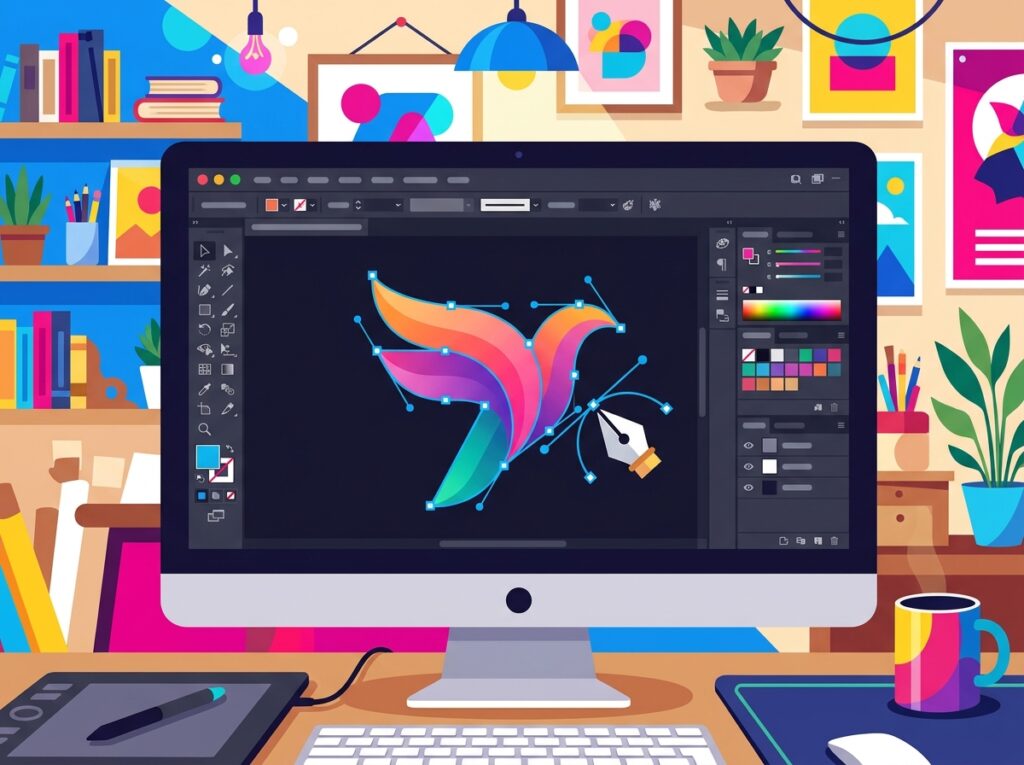
Affinity Designer. A popular alternative pairing a capable vector toolset with a one-off purchase rather than a subscription. It is fast, and switches between vector and pixel work in one document — handy for illustrations with textured detail.
CorelDRAW. A veteran with a loyal following, particularly in print, signage and production environments. Its layout-friendly approach suits businesses that produce a lot of printed material in-house.
Whichever tool you choose, craft matters more than the brand on the box: a lasting logo depends on sound drawing and files in every format you will need — which is why professional logo design matters when the mark really counts.
Raster and Photo Tools: For Images That Need Polish
Photographs rarely arrive perfect: colours need correcting, backgrounds removing, product shots polishing — raster editing territory.
Adobe Photoshop. The best-known name in image editing remains the reference point for retouching, compositing and preparing images for print and web. Its layer-based workflow is powerful and flexible, though beginners face a learning curve.
Affinity Photo. A strong one-off-purchase alternative covering the core tasks most users need — colour correction, layer work and image manipulation — without a subscription commitment.
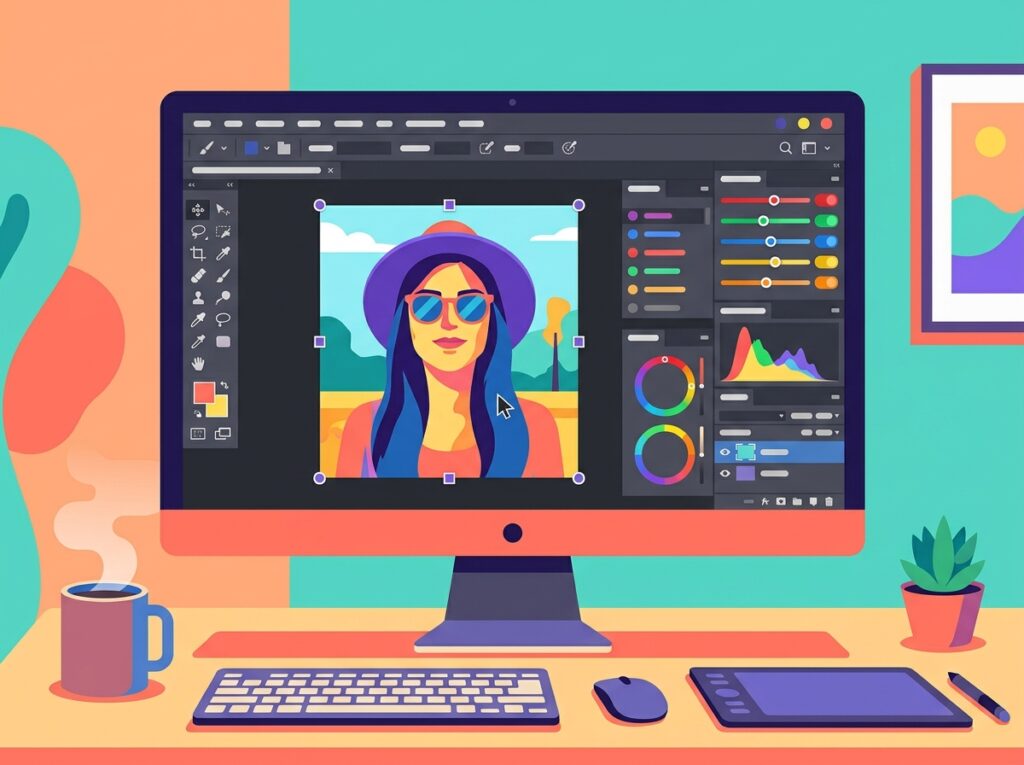
How often do you truly edit photographs? A few times a month, and a mid-level tool may serve you better than pro software you never fully learn. If images are central to how you sell — product photography, property, food — a full-strength editor pays off quickly.
Layout Tools: For Brochures, Documents and Multi-Page Design
Layout software turns text and images into finished documents. Control over type, columns, margins and page flow separates a polished brochure from one that merely looks assembled.
Adobe InDesign. The professional standard, InDesign handles everything from a simple leaflet to a long catalogue, with master pages, consistent styles and print-ready output. If you produce regular printed documents, it is difficult to beat.
Affinity Publisher. The layout member of the Affinity family, offering multi-page design with a one-off purchase model. It works smoothly alongside Affinity’s vector and photo tools, suiting smaller studios that want a joined-up set.
Layout is also where typography does its essential work. Consistent headings, readable body text and sensible spacing make documents feel trustworthy — choices that begin with understanding typography for your brand logo and the wider identity it belongs to.
Browser-Based and Collaborative Tools: For Everyday Design
Not every task needs professional software. Quick social graphics, presentations and marketing materials are often better served by browser tools that load instantly and let several people work together.
Figma. Figma is a favourite: several people can view and edit the same file at once, from anywhere — ideal for teams, and for designers presenting concepts to clients.
Canva. Canva offers a large template library and a gentle learning curve, with a free tier alongside paid options. For regular social posts or flyers, it is a sensible everyday tool — with the caveat that template graphics can look generic, and a logo or core identity deserves original design, not a template.
How to Choose the Right Tool for You
Five questions will usually settle the decision.
Pricing model. Subscription, or buy once and upgrade when you choose? Neither is wrong — subscriptions spread the cost and keep software current, while one-off purchases cost less over time. Free tiers let you test before paying. Prices change often, so check current pricing on the vendor’s site.
Platform. Check the software runs well on your machine — Windows, Mac, or browser. If you split time between machines, cross-platform tools save friction.
Learning curve. Professional tools reward invested time, but the time is a real cost. Be honest about how much you can spare: a simpler tool used confidently produces better work than a powerful one you avoid opening.
File compatibility. Design files travel — to printers, developers, colleagues and future designers. Tools that open and export common formats (such as PDF, SVG, EPS, PNG and JPG) avoid painful conversions, and standard formats protect you if you switch software.
Collaboration. If others need to review or edit your work, sharing features matter enormously. Browser-based tools make this effortless; desktop software may mean emailing files around.
Frequently Asked Questions
Do I need professional software to design for my own business?
Not for everything. Simpler tools handle everyday graphics such as social posts well. But work that defines your brand — your logo and core identity — benefits from professional software in professional hands, because files must be precise, scalable and ready for anything.
Is a subscription or a one-off purchase better value?
It depends how long you will use it and how much you value updates. A one-off purchase often costs less over several years; a subscription spreads payments and stays current. Compare options on the vendor’s site, by total cost over two or three years.
Can one program do everything?
Some tools cover several jobs well, and suites from one family share files smoothly. In practice, most designers keep a specialist tool per job — vector for logos, raster for photos, layout for documents — because each does its own job better.
What file formats should my finished designs be in?
For logos, ask for vector originals (AI, EPS or SVG) plus PDF, PNG and JPG exports; for print, a print-ready PDF. Keep the editable source files safe, too — they are what any future designer will need.
Key Takeaways
- Choose by the job first — vector, raster, layout or everyday design — and the shortlist shrinks quickly.
- Illustrator, Photoshop and InDesign remain the professional reference points, with the Affinity family a strong one-off-purchase alternative.
- Figma and Canva make quick, shared, template-based design easy, but core brand work deserves original design.
- Weigh pricing model, platform, learning curve, file compatibility and collaboration before committing.
- Always check current pricing on the vendor’s own website, as plans change regularly.
The right software makes good design easier, but customers notice the thinking behind the work. If you would rather spend time running your business, our team at Designores can handle the design side — from a lasting brand mark to everyday marketing graphics. Take a look at our logo design service to see how we can help.