Eye-Catching Social Media Graphics: 10 Design Tips for 2026
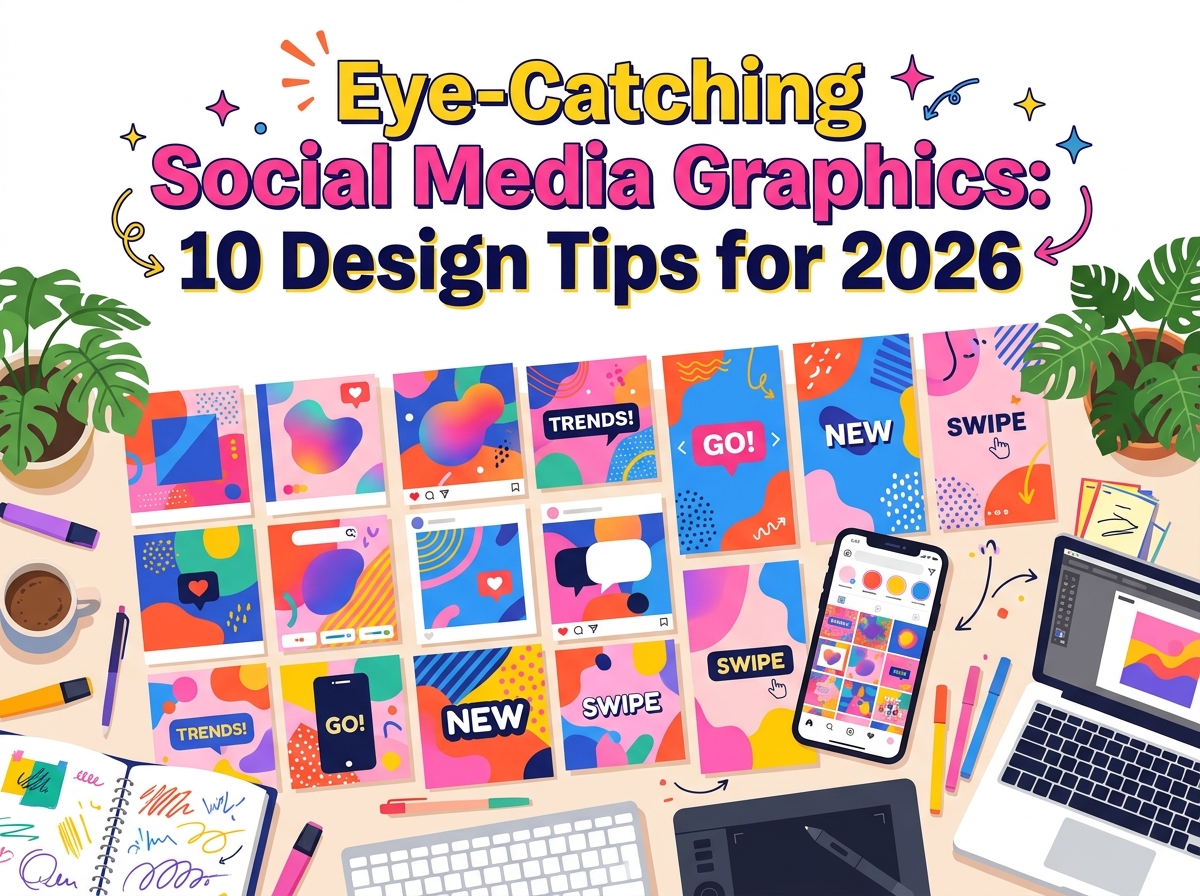
Your customers scroll through hundreds of posts a day, most of them glanced at for a second or less. A well-designed graphic is what earns the pause — and the pause is where enquiries, followers and sales begin.
The good news is that eye-catching does not mean complicated. The businesses whose posts stand out are usually doing simple things consistently: one clear message, readable type and a recognisable style. Here are ten practical tips you can apply to your own social media graphics, whether you design them yourself or brief someone else to do it.
10 Tips for Graphics That Stop the Scroll
- Design for the first glance: People decide in about a second whether a post deserves their attention. Put your strongest image and clearest words where the eye lands first, and test every design at phone size, small and slightly blurred — if it still communicates, it works.
- Say one thing per graphic: A post trying to announce a sale, a new opening time and a product launch at once will land none of them. Choose the single message that matters most, say it plainly, and let the next post carry the next message.
- Make your type big and readable: If someone has to pinch and zoom, the design has failed. Use short headlines in a clear, bold typeface, keep supporting text to a minimum, and never place small text over a busy photograph where it disappears.

- Use strong contrast: Light text on a light background is invisible in bright sunlight on a phone screen. Pair dark text with pale backgrounds or the reverse, and check your brand colours behave this way before you build posts around them. If you are still settling your palette, it is worth choosing brand colours with screens in mind from the start.
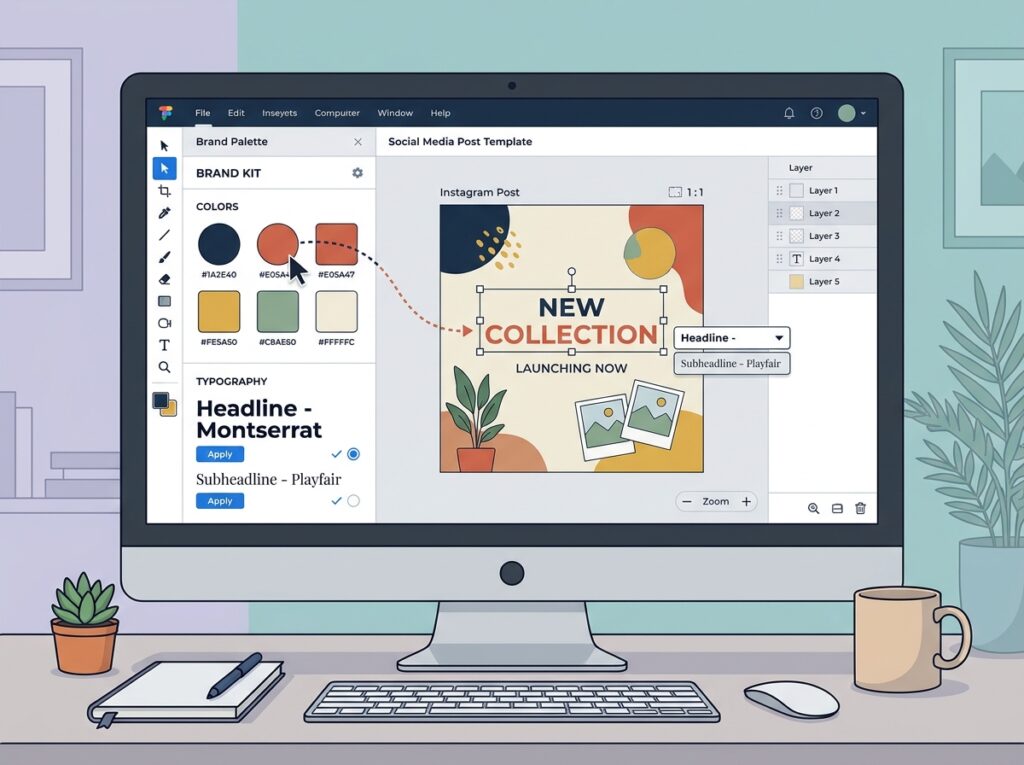
- Keep a consistent brand kit: Use the same colours, fonts, logo placement and image style on every post, so regular followers recognise your content before they read a word. That recognisability is the everyday payoff of consistent branding, and it builds trust quietly over months of posting.
- Choose real photos over stock where you can: Genuine photos of your team, premises, products and work in progress feel personal in a way library images rarely do. Stock photography still has its place for concepts you cannot shoot, but your own images are usually the ones people stop for.
- Leave breathing room: Crowded graphics feel stressful and get skipped. Generous margins, one focal point and plenty of empty space make a design look confident and let the message land. If an element is not helping, removing it usually improves the whole post. A useful habit is to finish a design, then deliberately take one thing away and see whether anything is lost — it rarely is.
- Use templates wisely: Templates save real time, and today’s graphic design tools make them easy to adapt — but customise them properly with your colours, fonts and photos, or your feed will look like every other business that picked the same layout. Treat a template as a starting frame, never the finished design.
- Design for each platform’s shape: A graphic made for a tall story format will crop badly in a square feed, and vice versa. Prepare each design in the shape the platform favours, keep important text away from the edges, and check the preview before you publish.
- End with one clear action: Tell people what to do next — book, visit, message, tap the link — and make it one action, not three. A simple, visible instruction turns a nice graphic into a useful one, and gives followers an easy way to respond. Put the instruction in the graphic itself as well as the caption, since plenty of people will never read the words underneath.

Putting the Tips Together
You do not need to master all ten at once. Start with the first three — one message, readable type, a strong first glance — and you will already be ahead of most of the feed. Then build your brand kit, set up a small set of customised templates, and the rest becomes routine rather than a fresh design challenge every time you post. Keep a folder of your best-performing posts, too: when you are short of ideas, your own proven designs are the most reliable place to start.
Frequently Asked Questions
How often should I post designed graphics?
Regularly enough that followers keep seeing you, but only as often as you can maintain the quality. A few well-designed posts each week will do more for your business than daily posts that look rushed.
Do I need professional software to make good graphics?
No. Free and low-cost design tools can produce perfectly good social graphics, especially with a settled brand kit and a few customised templates. What matters most is the discipline: one message, readable type and consistency.
Should every post carry my logo?
Usually, yes — placed consistently and at a modest size, so your content is recognisable in a busy feed. The exception is content shared from others, where heavy branding can look out of place.
What size should my social media graphics be?
Each platform favours different dimensions, and these change from time to time. Design in the shape your platform recommends, keep key content away from the edges, and always check the preview before posting.
Key Takeaways
- Design for a one-second first glance, tested at phone size.
- One message per graphic, in big, readable type with strong contrast.
- A consistent brand kit makes your posts recognisable before they are read.
- Customise templates with your own colours, fonts and photos — never post them as they come.
- Finish every graphic with one clear action for the viewer.
If designing posts is eating time you would rather spend running your business, Designores can create a set of on-brand templates in your colours and fonts, ready for you to drop in your own photos and words whenever you need them.