AI in Web Design: Tools for Automated Layouts and Personalization
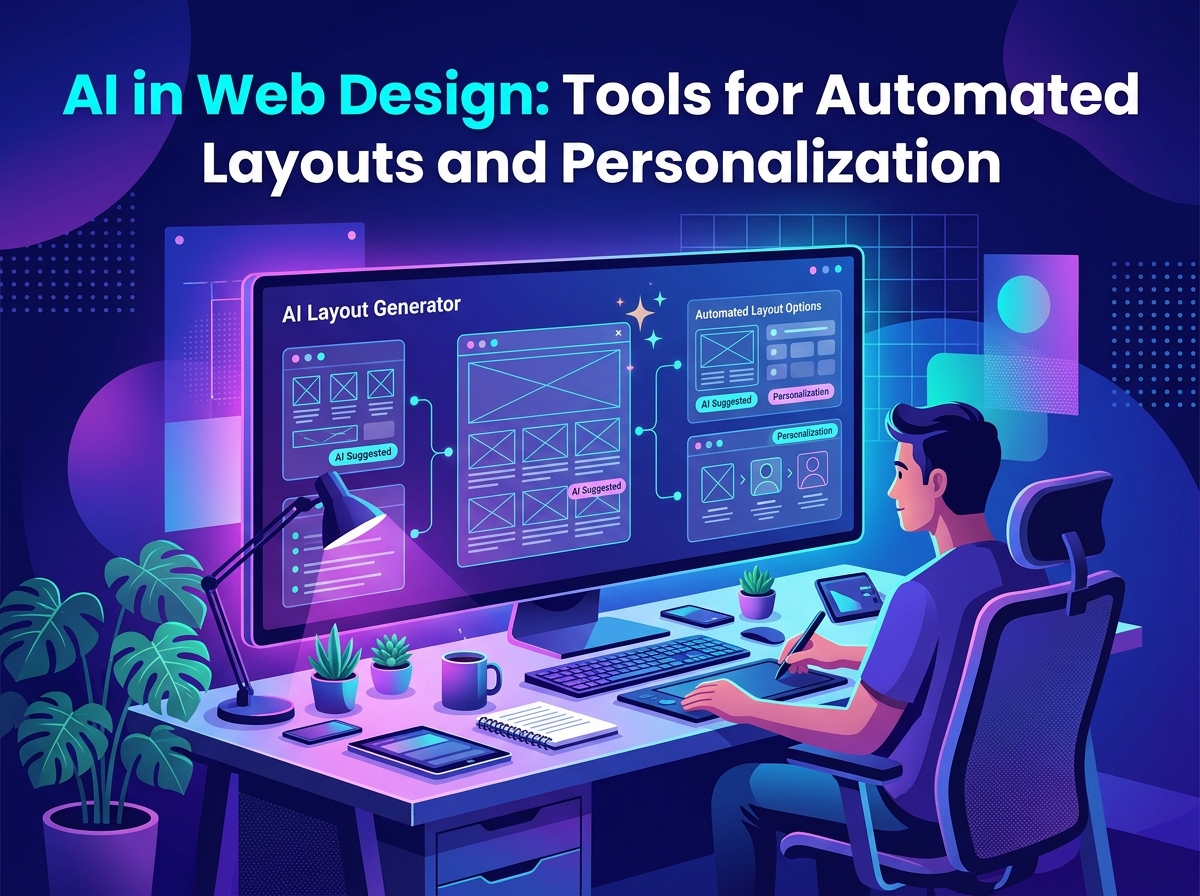
Artificial intelligence is no longer a futuristic extra in web design — it is built into many of the tools used to create websites today. If you run a small business, you may have seen platforms offering to draft a complete site from a few answers, or design software suggesting layouts before you have placed a single element yourself.
AI is one of the web design trends for 2026 that is changing how websites get made, not just how they look. Used well, these tools can save time and spark ideas. Used carelessly, they can leave you with a site that looks like everyone else’s. This guide explains the main categories of AI design tools, what they genuinely do well, where their limits lie, and how to get the best from them.
The Main Categories of AI Web Design Tools
AI in web design is not one tool but a family of them. Most fall into five broad categories.
AI website builders. These platforms ask questions about your business — what you do, who you serve, what style you like — and generate a draft website from your answers. Pages, layouts and placeholder content appear in minutes, giving you a starting point rather than a blank screen.
Layout and section generators. Many established design tools now include AI features that suggest page layouts or build individual sections, such as a pricing table or photo gallery, from a short description. Designers use them to explore options quickly before refining the strongest one.
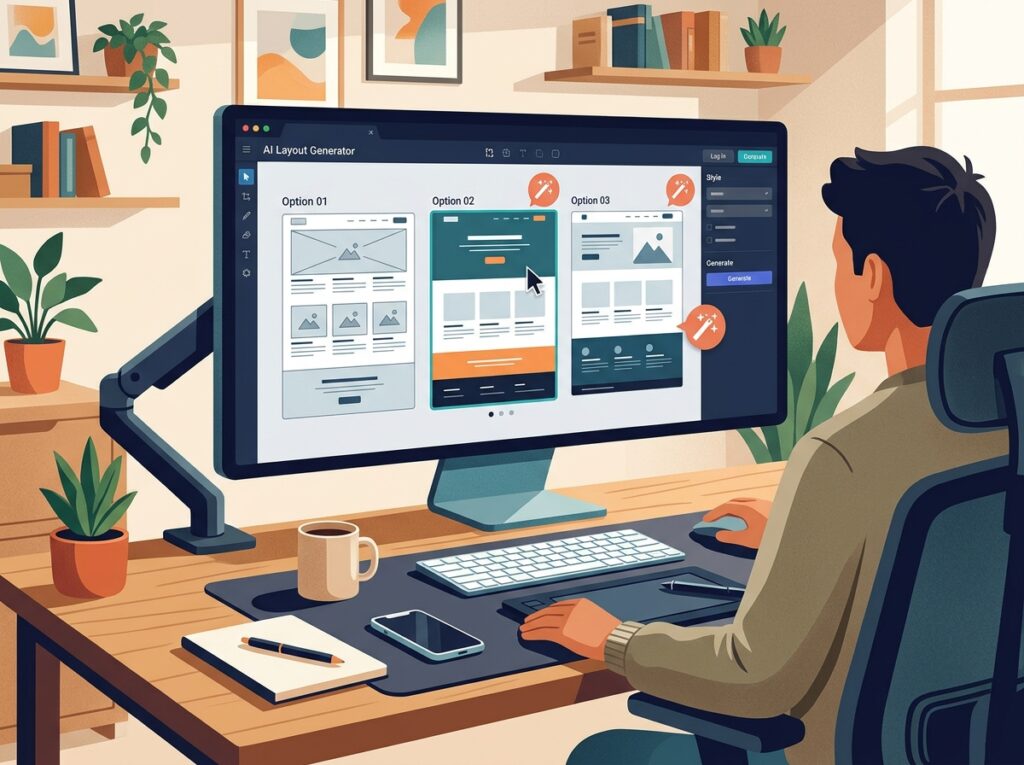
Image generation and editing assistants. These tools can create illustrations, extend or clean up photographs, remove backgrounds and resize images for different placements. They are handy when you need a supporting visual and have no suitable photo to hand.
Copy drafting assistants. Writing is often the slowest part of a website project, so AI writing help is popular: drafting headlines, summarising services or rewording paragraphs in a plainer tone. The results still need a human edit for accuracy and personality.
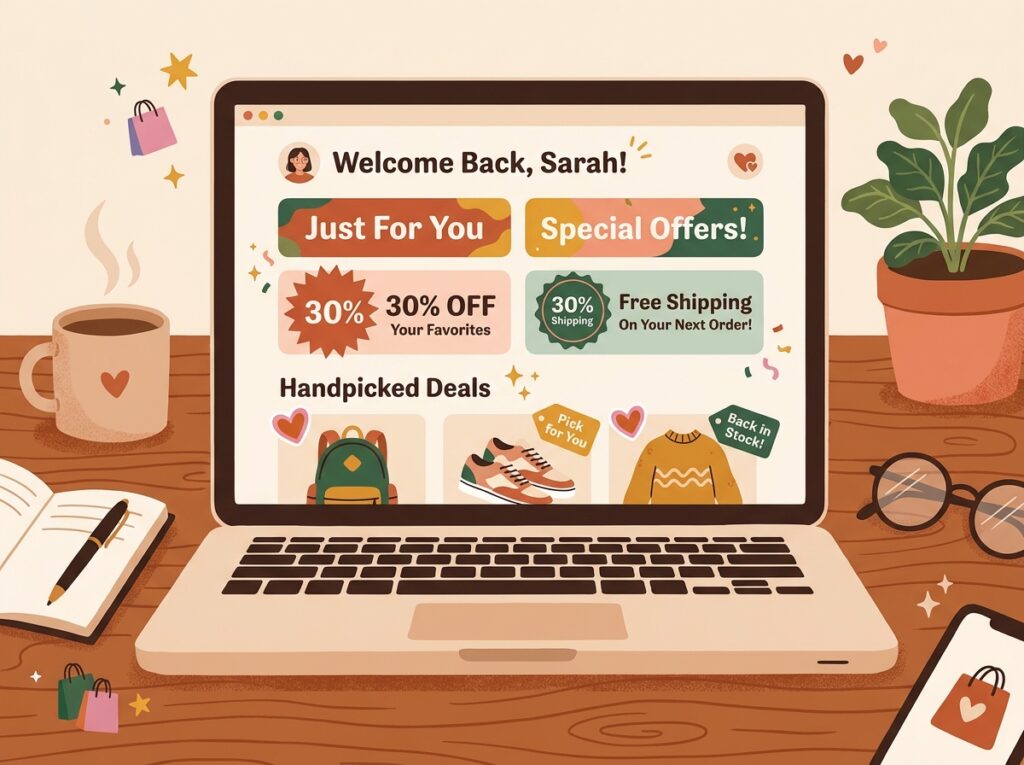
Personalisation tools. Once a site is live, AI can help tailor what visitors see — for example, showing returning visitors content related to what they viewed before, or highlighting the service most relevant to their location. Done carefully, this makes a site feel more helpful without extra effort from you.
What AI Does Well
AI earns its place in the design process in a few clear ways.
Speed. A first draft that once took days of sketching can appear in minutes, which shortens the early, uncertain stage of a project.
Ideas on demand. When a designer or business owner is stuck, generated variations offer fresh directions to react to — even rejecting them clarifies what you actually want.
Routine production work. Resizing graphics for different screens, producing colour variations of a layout or generating several headline options is repetitive work, and AI handles it tirelessly.
For a small business, this often means a project moves faster, and early decisions are made with real visuals in front of everyone rather than rough descriptions.
Where AI Still Falls Short
For balance, it helps to understand what these tools cannot do — because the limits are exactly where many small business websites go wrong.
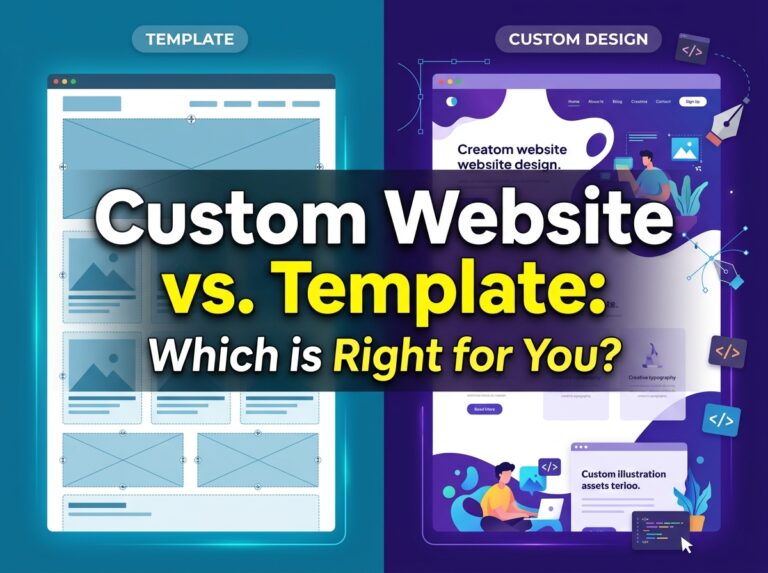
Lookalike results. AI generates from patterns in existing design, so its output tends towards the average. Without direction, sites built this way can feel generic — closer to a template than to a brand. This is the heart of the custom website vs. template question: convenience is valuable, but sameness rarely helps a business stand out.
Weak brand understanding. A tool does not know your customers, your reputation or the story behind your business. It cannot judge whether a design truly feels like you.
Quality control. Generated text can contain errors or claims you would never make, images can include odd details, and layouts can quietly break accessibility basics such as contrast and heading order. Everything still needs checking.
A Sensible Approach for Small Businesses
The healthiest way to use AI in web design is to give it the jobs it is good at, and keep a human in charge of the decisions that define your business.
Let AI produce first drafts, variations and routine assets. Let a designer own the brand identity, the page structure, the final wording and the checks before anything goes live. Think of AI as an enthusiastic assistant: quick, tireless and full of suggestions, but not the person you would leave alone with your customers.
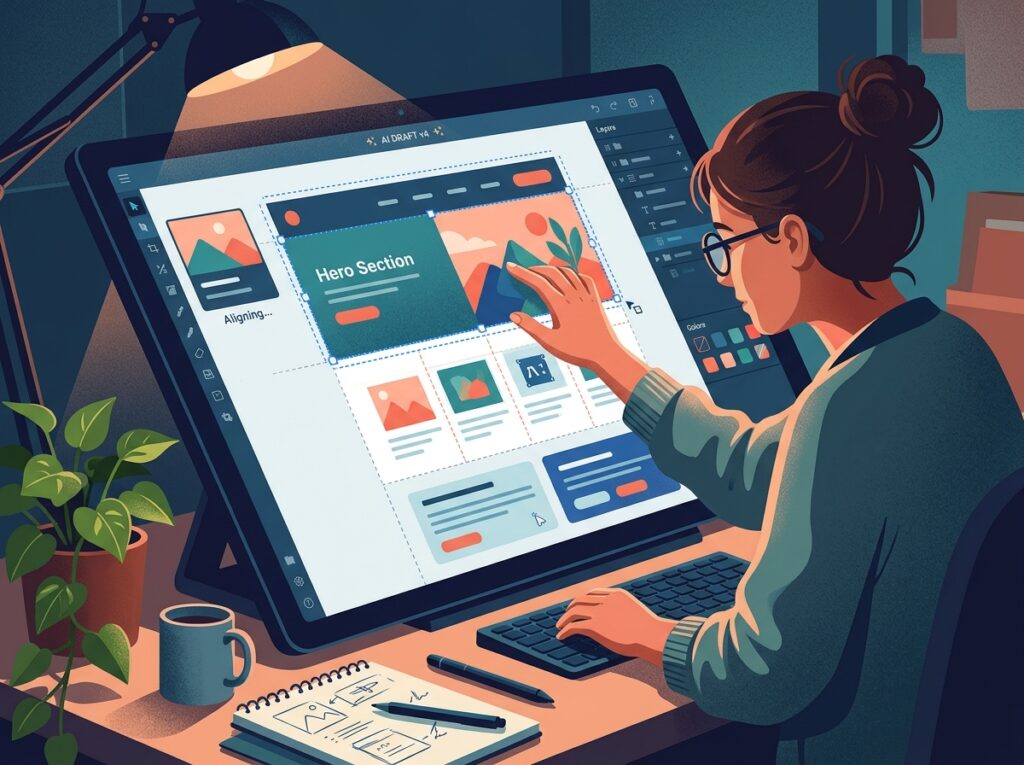
If you are planning a new site, ask any designer or agency you speak to how they use AI. A good answer is honest and specific: it speeds up the groundwork, while the thinking, craft and quality control stay human.
Frequently Asked Questions
Can AI build my whole website without a designer?
It can produce a working draft site, and for a very simple online presence that may be enough. But a draft is not the same as a considered design: branding, structure, wording and accessibility all benefit from human judgement, especially if the site is central to winning customers.
Will an AI-built website look like my competitors’?
It can, if you accept the first thing it generates. The tools draw on common patterns, so originality comes from the direction you give them and the customisation afterwards — your own photos, colours, wording and layout choices.
Is AI-generated content bad for search rankings?
Search engines care about whether content is accurate, helpful and original, whoever or whatever drafted it. AI-drafted text that is checked, edited and made specific to your business is a different matter from unedited generic output published as it comes.
How much does AI web design cost?
Many AI features are bundled into existing website platforms and design tools, sometimes in free tiers and sometimes in paid plans. The bigger question is value: time saved on drafts is only a saving if the finished site still does its job well.
Key Takeaways
- AI tools now cover whole-site drafts, layouts, images, copy and personalisation.
- They are strongest at speed, variations and routine production work.
- Their weaknesses are generic results, weak brand understanding and the need for quality checks.
- Use AI for the groundwork; keep humans in charge of identity, structure and final polish.
If you would like a website that uses modern tools without looking machine-made, we can help. Take a look at our web design service to see how Designores combines efficient production with genuine design craft.